
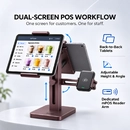
Goochain’s Angola Red dual tablet POS stand brings a deep burgundy finish to the checkout counter. Two opposing tablet holders and a dedicated card reader arm share an aluminum base, with two USB connections and internally routed leads for the tablets. Configure the device holders, cables and finish around your store layout and approved sample.
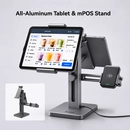
Goochain’s dual tablet POS charging stand lets staff enter orders on one tablet while shoppers review the order and pay at the reader beside the customer display. Both tablet mounts share one freestanding base. Two built-in USB ports and internal routing for the tablet leads keep separate chargers and loose cables off the checkout surface in the reference setup. Device fit and power configuration are agreed for each project.
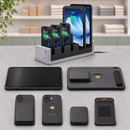
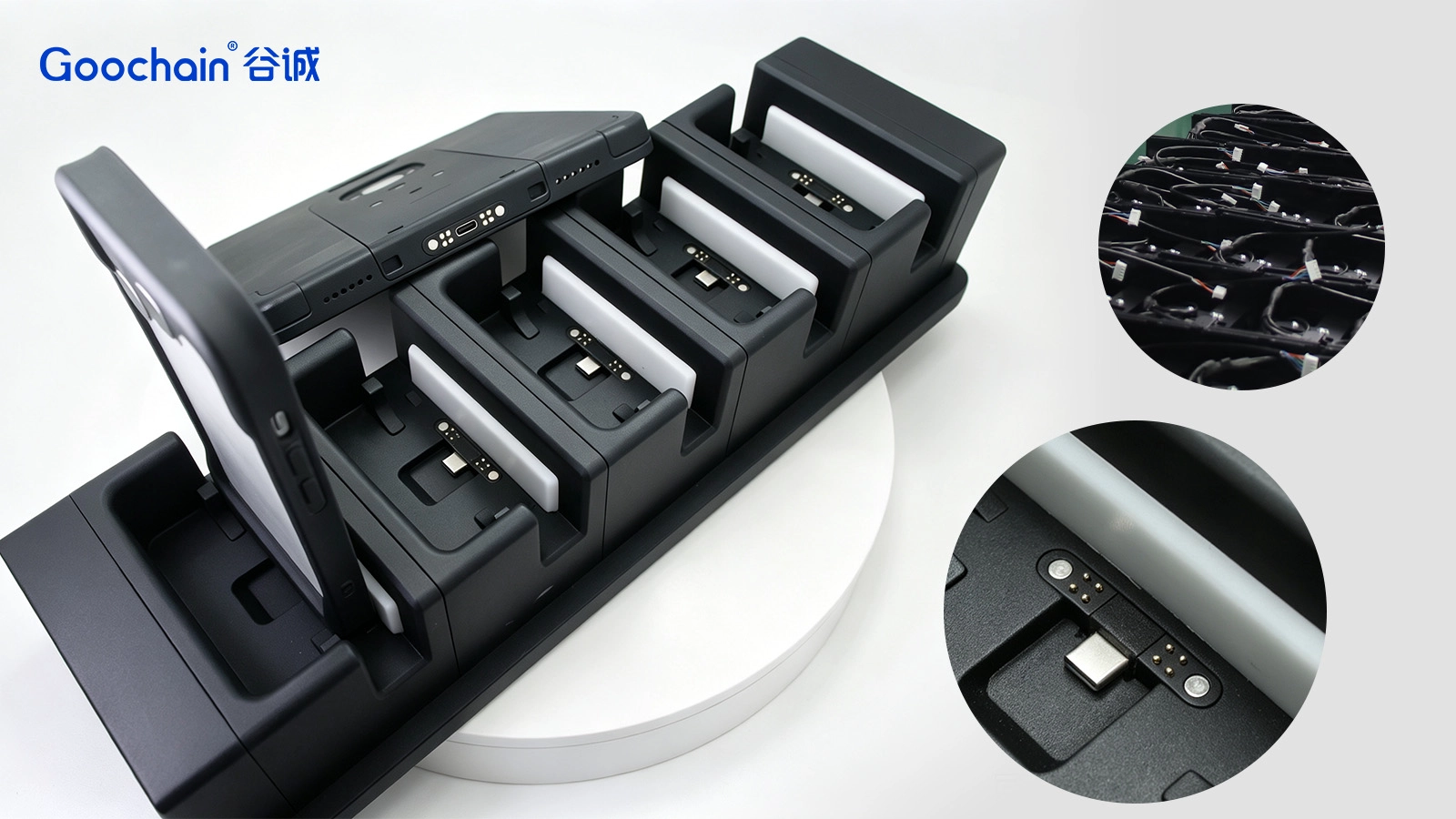
Goochain develops multi-bay charging stations for payment readers that remain inside approved protective cases. Each project defines the complete reader-and-case assembly, bay guides, pickup clearance, charging interface and simultaneous device quantity. Station geometry, cable modules, indicators and branding can be customized. Bay count and power requirements are confirmed for the approved configuration; this is an OEM/ODM development solution rather than a universal charger for all readers or cases.
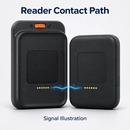
Goochain manufactures custom contact and cable assemblies for card reader docks. Each interconnect combines a project-approved reader-side or dock-side interface with the required cable termination, mounting support and strain relief. Contact layout, conductor mapping, cable length and any signal requirements are defined from authorized project information. The contact-and-cable subassembly can be supplied separately for integration into the customer's housing; full docks and power accessories are included only when quoted.
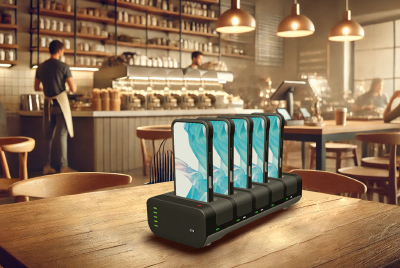
Looking for an efficient wireless charging solution for POS systems, tablets, and smartphones? Our ISO-certified Pogo Pin charging dock offers fast, clutter-free charging for your retail business, with custom solutions tailored to your needs.
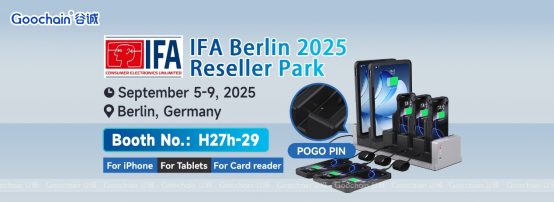
We’re excited to announce that Dongguan Goochain Technology Co., Ltd. will be exhibiting at IFA 2025 in Berlin this September.
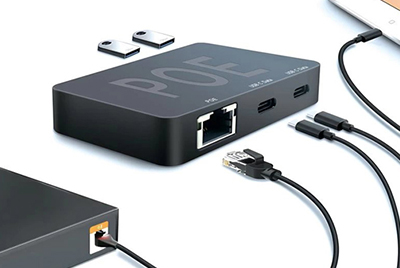
Our innovative USB Type-C PoE HUB is a multifunctional device offering Power over Ethernet (PoE), efficient data transfer, and multi-device compatibility. Designed for retail, healthcare, and smart office applications, it features dual USB-C ports for data access, iPad Host functionality, and PD fast charging. As a manufacturer, we provide high-quality, customizable connectivity solutions.
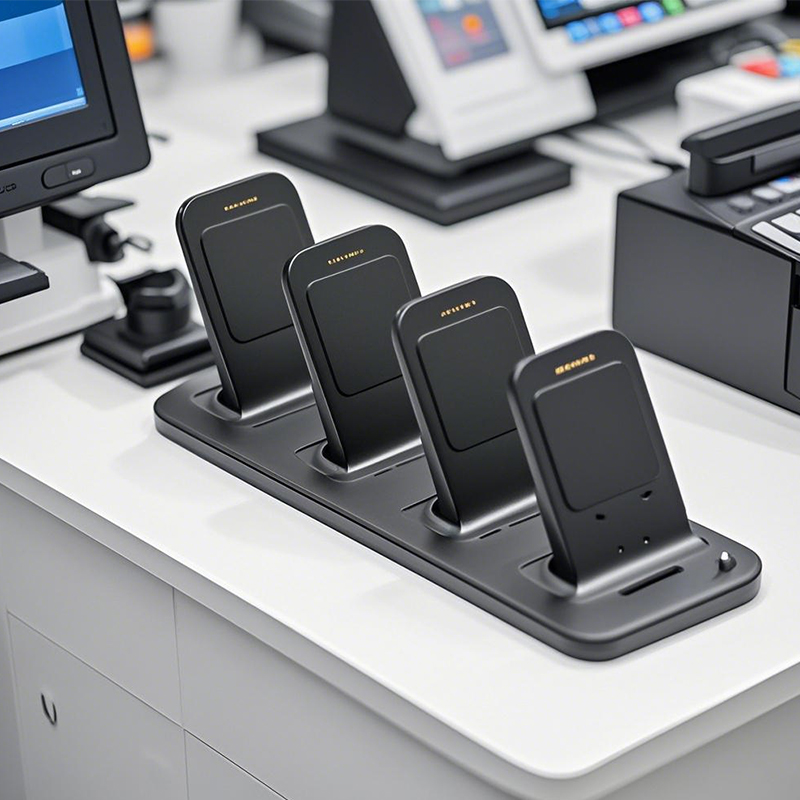
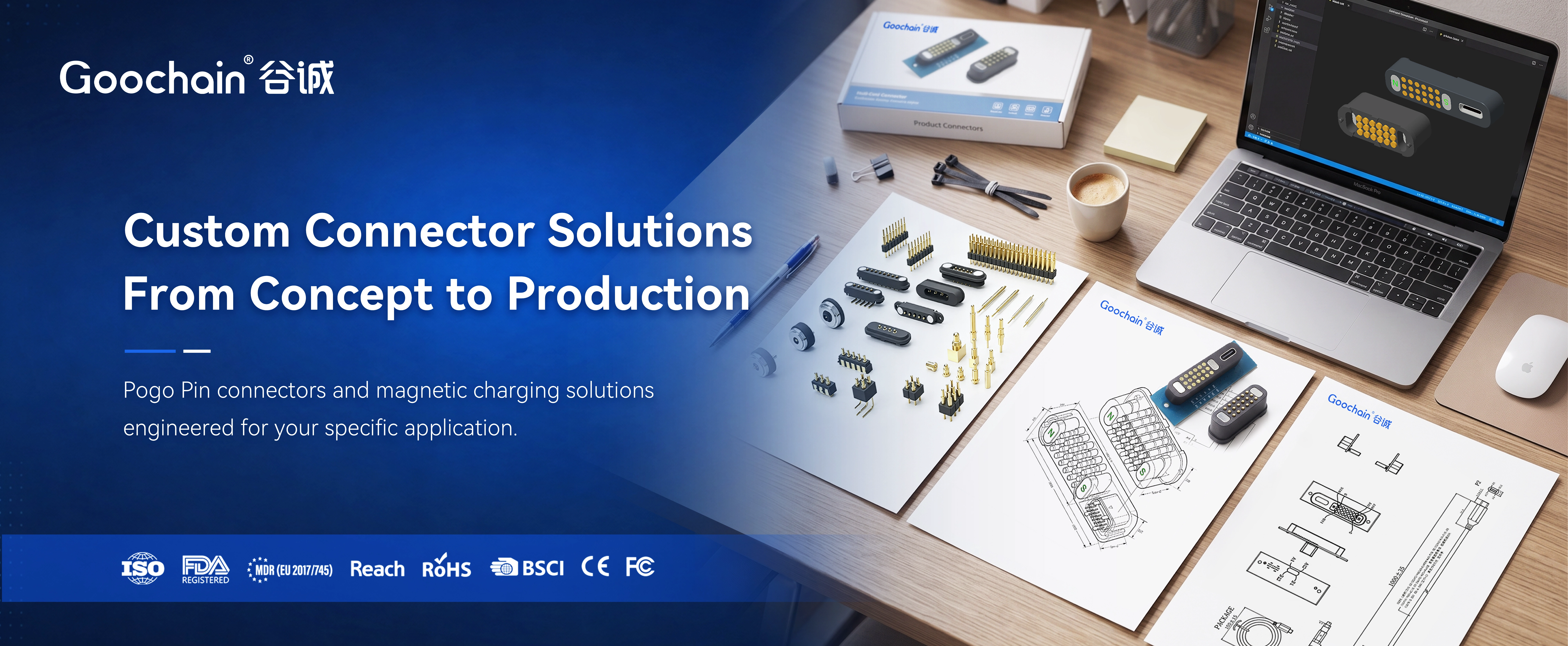
For modern Point-of-Sale (POS) accessories, POGO PINs are a must-have. They create stable electrical connections, perfect for busy retail settings where devices are constantly in use. Their small size allows for sleek, compact POS designs, like in handheld terminals or card readers. POGO PINs also enable fast data transfer and charging, key for quick transactions. Plus, they’re durable and resistant to corrosion, meaning less maintenance and longer use. In short, POGO PINs make POS systems work better, faster, and more reliably.
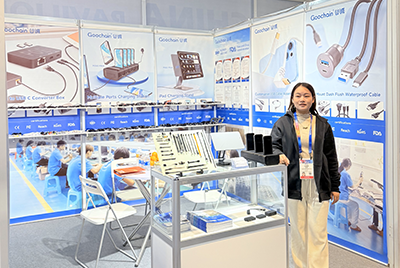
Goochain showcased its latest innovations at CES 2025, including Magnetic Pogo Pin Charging Stations, Custom Cable Assemblies, and USB Type-C PD Splitter Boxes. The event provided valuable opportunities to connect with global clients, gain industry insights, and highlight our expertise as a manufacturer, supplier, and factory for POS hardware and charging solutions in retail and healthcare.
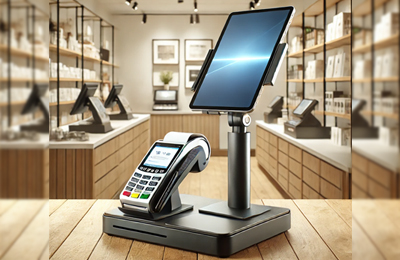
How to Choose the Right POS Stand for Your Business A high-quality POS stand improves payment efficiency, security, and customer interaction in retail and hospitality settings. Whether you need an adjustable POS terminal stand, a dual-payment mount for tablets and card readers, or a wall-mounted POS holder, selecting the right stand enhances workflow and space management. At Goochain, we manufacture durable and customizable POS stands for various industries. Explore our top products: POS Terminal Stand PS-1020 – Secure and adjustable for smooth transactions. 2-in-1 POS Stand – Supports both tablets and card readers. Universal Secure POS Stand – Stable, ergonomic, and theft-resistant. Wall-Mounted POS Tablet Holder – Space-saving and ideal for self-service kiosks. As a POS stand manufacturer and supplier, we offer OEM & ODM customization and factory-direct pricing. Contact us today to find the best POS mount for your business!

Goochain will be exhibiting at CES 2025, booth number LVCC SOUTH HALL-3-41265, showcasing the latest POS terminal mounts, tablet charging stations, Pogo Pin charging docks, and more. Visit us to learn more.
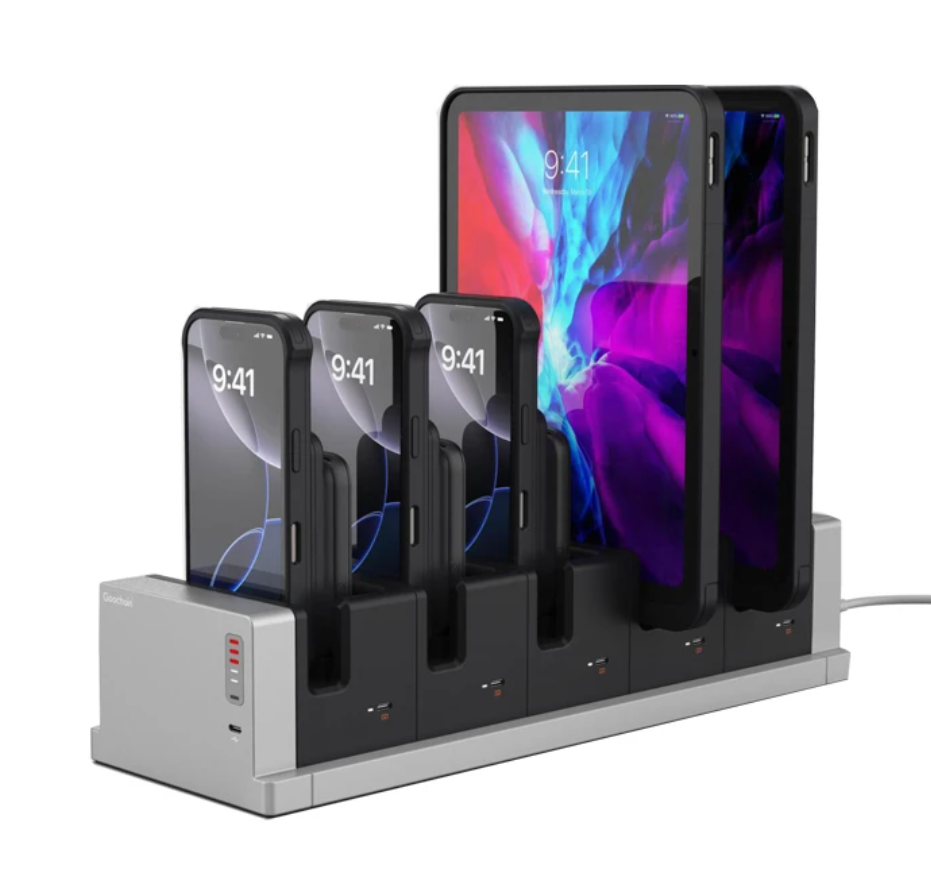
Goochain is a factory manufacturer specializing in tablet charging docks and multi-tablet charging stations for POS, retail, and healthcare industries. Certified ISO 9001 & ISO 13485 supplier providing OEM & ODM solutions.
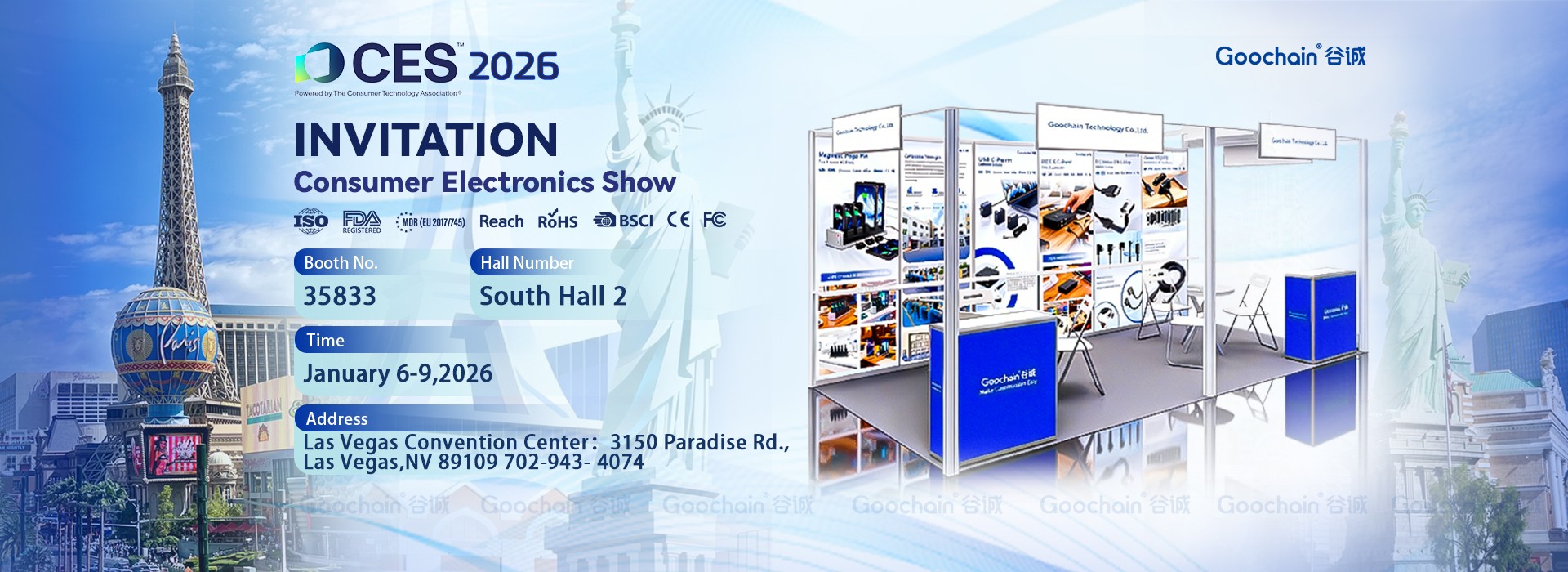
Goochain to Exhibit at CES 2026 in Las Vegas
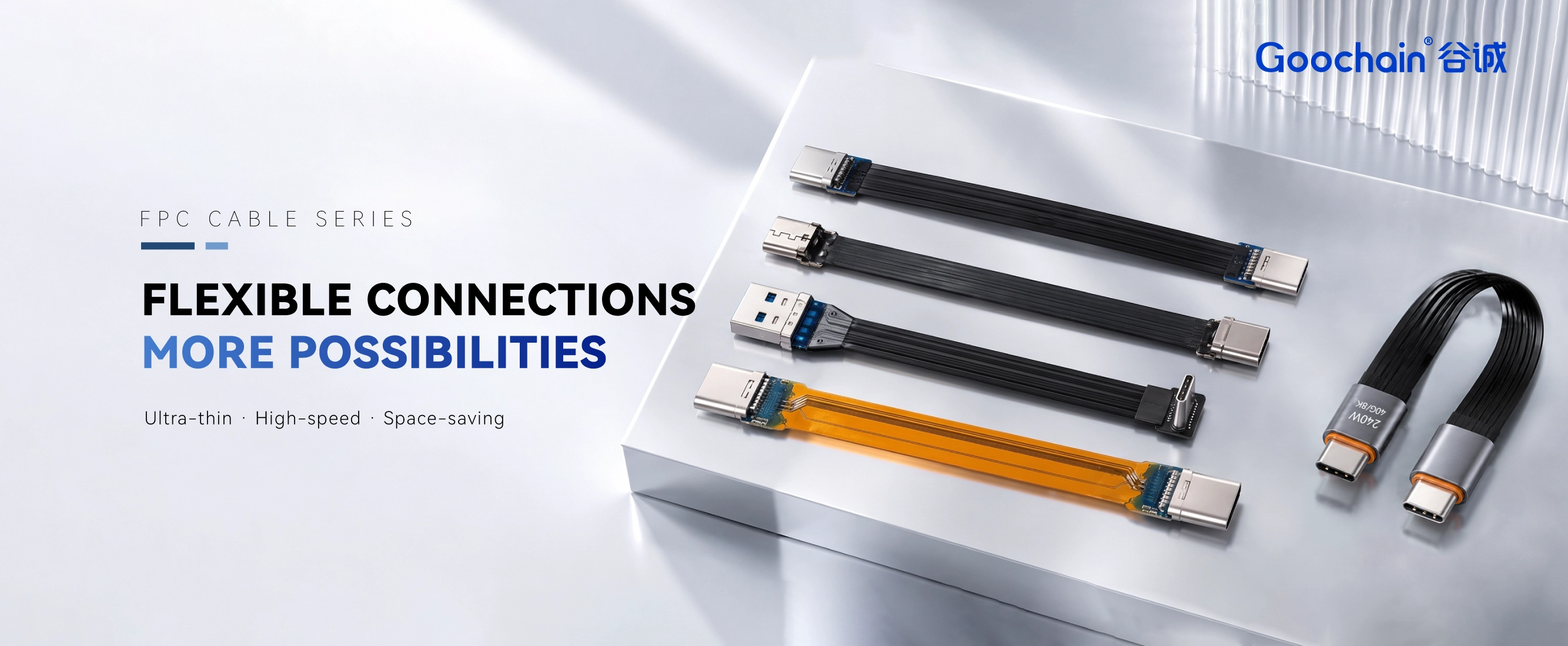
Goochain will exhibit at Global Sources Electronics Show 2025 from April 11-14 at Booth 10N05, Hong Kong, showcasing our latest Retail & POS charging solutions. Our featured products include tablet charging docks, magnetic pogo pin connectors, custom POS cables, wiring harnesses, and USB FPC ribbon cables. As a leading manufacturer of POS accessories and retail connectivity solutions, we provide customized and high-performance products to enhance checkout efficiency and device longevity. Visit us to explore our innovations and discuss OEM/ODM partnerships.
The hardest part of a shared-tablet deployment is often not the software. It is the routine around the device: who carries it, where it is left, how it charges and what happens when the next shift needs it.
A loose charging cable may be acceptable for one personal tablet. Across a store, restaurant, clinic or warehouse, that same cable becomes a small daily task repeated by many people. Connectors are handled at different angles, devices are left on the wrong counter and a tablet may begin the next shift with less charge than expected.
A dockable case changes that routine. Instead of asking staff to plug in the tablet, the system gives the device a defined home position. When the case is returned to its matching dock, pogo contacts can make the charging connection and, where required, carry USB data to the host system.
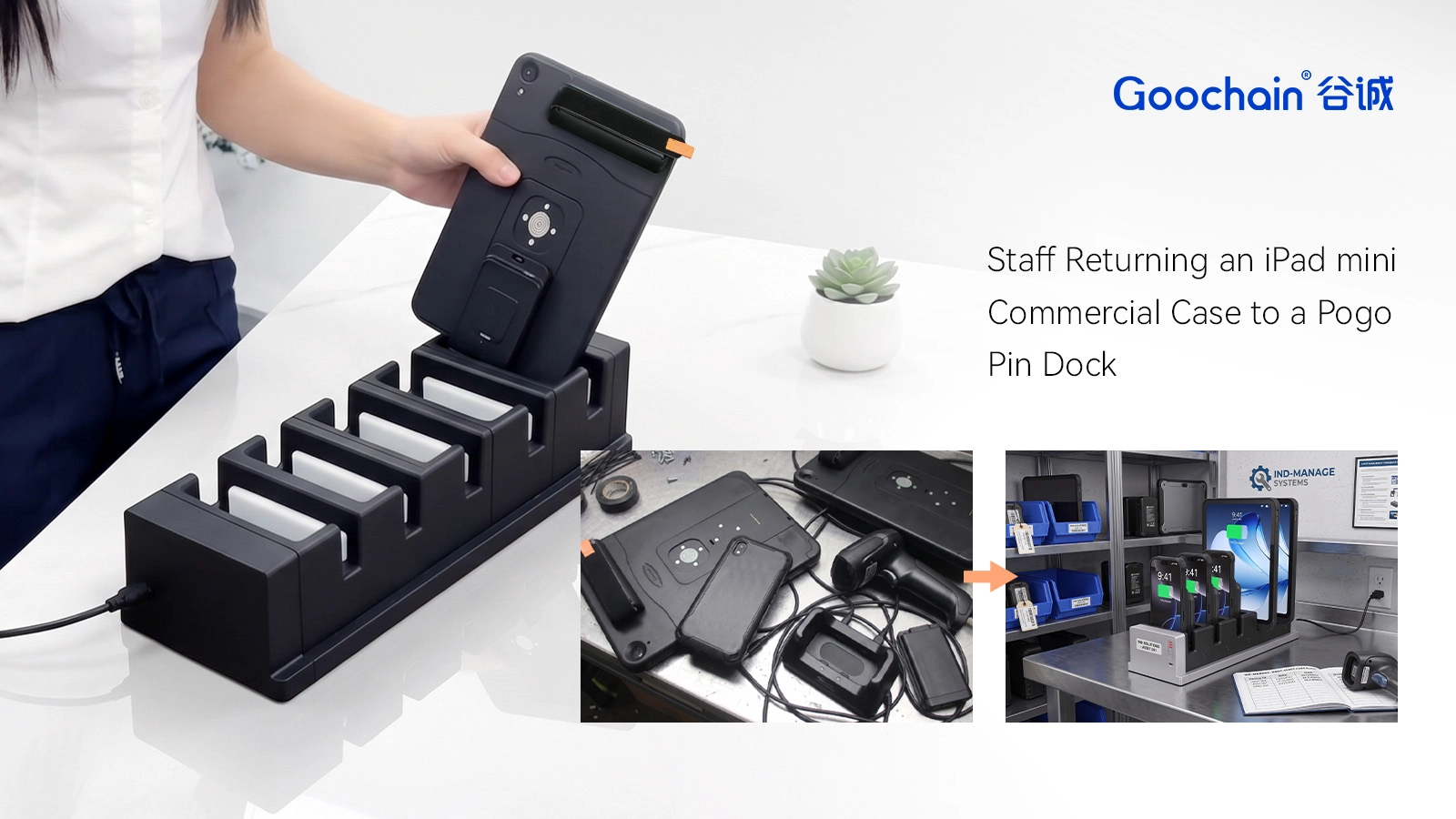
Before choosing the contact count or case structure, it helps to watch how the tablet is actually used. Does a server place it on a counter between orders? Does a retail associate return it only at the end of a shift? Is it fixed to a wall most of the day, or moved between rooms and then synchronized at one station?
Those answers shape the enclosure and dock. A frequently handled tablet may need clear one-handed alignment and a base that does not move. A wall-mounted device may need controlled removal and concealed cables. A fleet that exchanges data while parked must keep the electrical connection stable for the required task.
This is why the case and dock should be treated as one system. Contact position, spring travel, mating-pad area, retention and cable routing all depend on the same physical action: placing the tablet back where it belongs.
Pogo pins are electrical contacts, not a charging standard by themselves. The finished interface still needs an approved voltage, current, polarity, grounding arrangement and protection strategy. If USB data is required, the design must also account for the data lines, internal Lightning or USB-C connection and the capabilities of the host and peripheral devices.
A useful project brief therefore states more than 'charging and data.' It identifies the iPad mini model, required charging input, USB function, connected computer or peripheral, desired data rate, cable length, power source and dock style. Goochain can then configure the pogo contacts and internal cable or PCB around a real application.
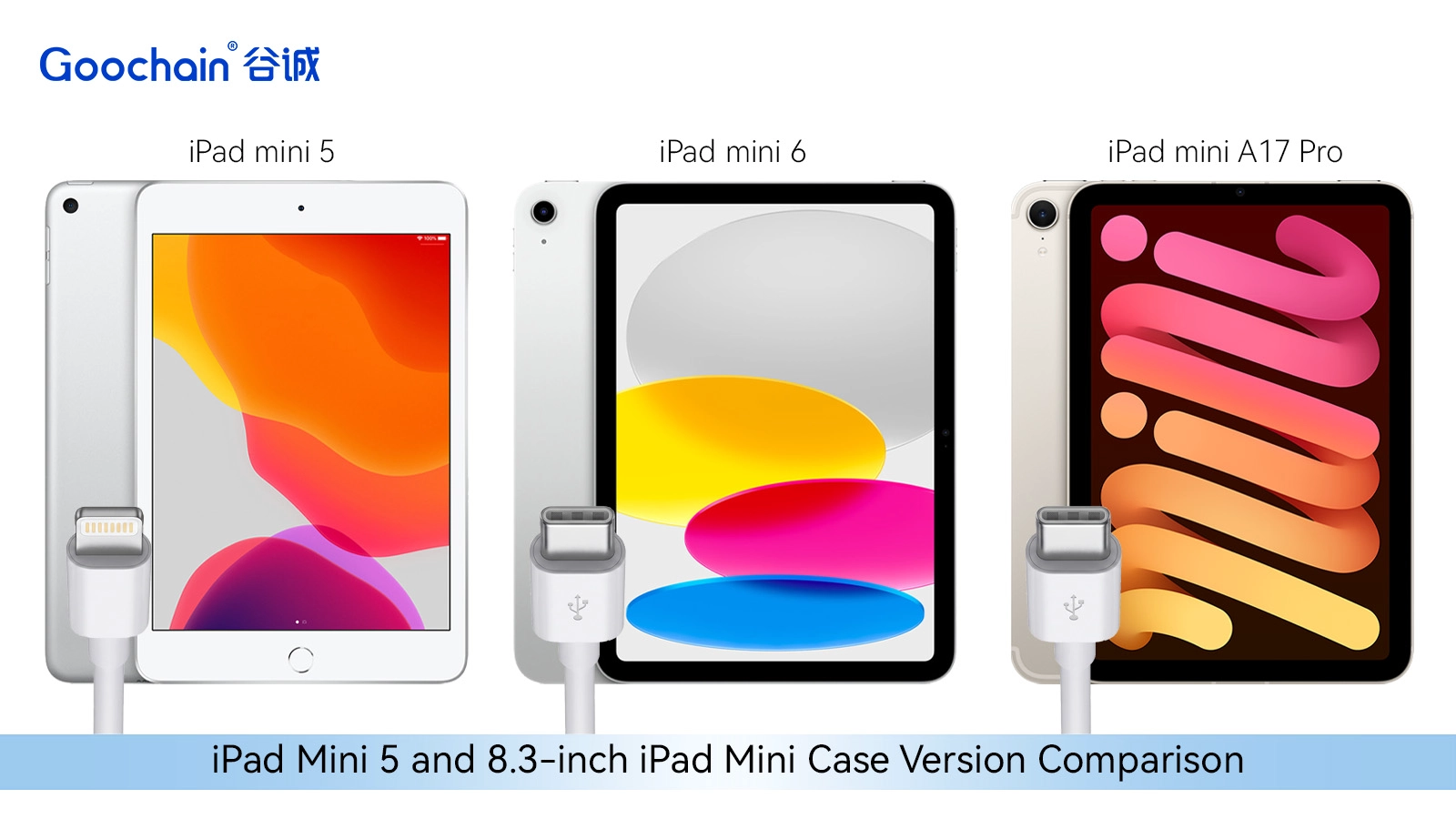
The device family includes two different physical formats. iPad mini 5 uses the earlier 7.9-inch design and a Lightning connector. iPad mini 6 moved to the 8.3-inch body and USB-C. The current iPad mini (A17 Pro), often searched as iPad mini 7, also uses the 8.3-inch format and USB-C.
That does not make a loose universal case the best option. A commercial enclosure must control the position of the tablet, camera, buttons, internal connector and pogo interface. Dedicated versions provide a more reliable fit and make it easier for purchasing teams to order the correct product for the tablets already in service.
Docking is only part of the working day. While the tablet is in use, the enclosure should remain comfortable to hold, protect the exposed edges and leave the required controls accessible. A TPU inner section provides a softer interface around the device, while the ABS outer shell supports the contact area, mounting features and branded surfaces.
The final design still needs practical review. Corner thickness, grip, cleaning, heat, assembly sequence and service access all affect daily use. A case that docks well but is awkward to carry or maintain will create a different problem for the operator.
The same case concept may return to different types of base. A countertop dock can keep a mobile POS tablet ready near the checkout. A restaurant may use a compact charging cradle at a service station. A clinic may prefer a wall mount with controlled cable access. A warehouse may need a stable home base next to a workstation used for data transfer.
The location determines base weight, fixing method, viewing angle, portrait or landscape orientation and cable exit. If the dock must connect to a computer, printer, scanner or another peripheral, those requirements should be included early so the enclosure and internal wiring have enough space.
Goochain develops a custom pogo pin case for iPad mini as dedicated versions for mini 5, mini 6 and iPad mini (A17 Pro). The TPU+ABS enclosure can be paired with a matching countertop stand, wall mount or charging cradle for charging and USB data applications.
A prototype review should reproduce the normal working routine, not only confirm that the tablet fits. The project team should check that:
For a dockable iPad mini project, the most useful starting information is straightforward: exact tablet model, charging input, USB data task, dock location, mounting method, expected quantity and any connected peripherals. Reference drawings or physical samples make the review faster.
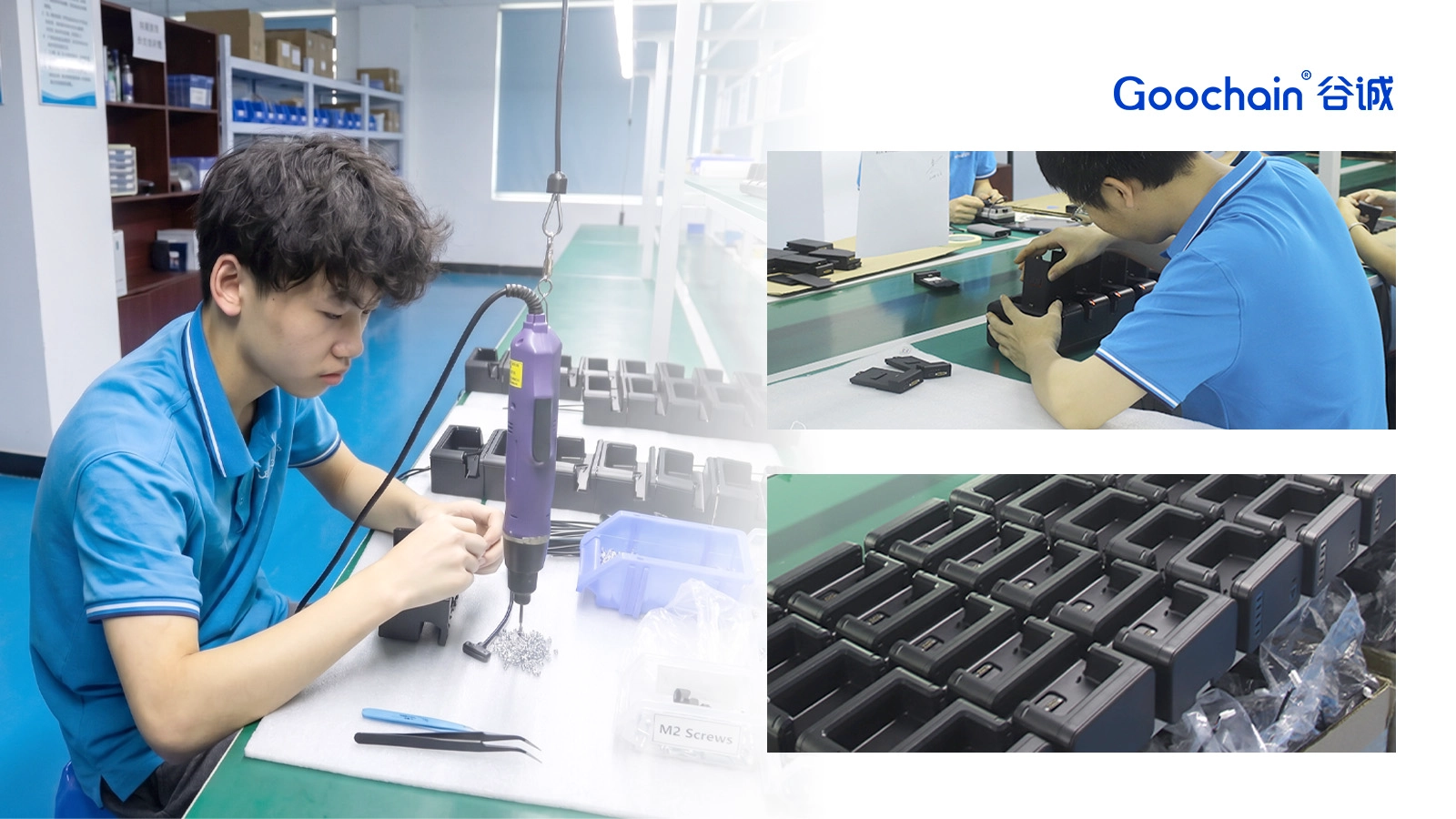
Goochain can develop the TPU and ABS enclosure, pogo contact arrangement, internal Lightning or USB-C connection and matching stand or cradle as one OEM/ODM project. Because we also manufacture related POS stands, charging products and cable assemblies, the mechanical and electrical details can remain within one coordinated production brief.
The result is not simply an iPad case with contacts added to the back. It is a repeatable way to carry, return, charge and connect a commercial tablet fleet.
If you are developing an iPad mini POS system, shared workplace tablet or dockable enterprise device, send Goochain the exact tablet model, charging and data requirements, preferred mounting style, expected quantity and any existing drawings or samples. Our engineering and manufacturing team can review the case, pogo interface and matching dock as one complete project.




