A freestanding magnetic tablet stand with sliding height adjustment, 360-degree screen rotation and single- or dual-head configurations. Goochain supports OEM/ODM customization for tablet POS counters, customer-facing displays and commercial device mounting projects. Device fit and supplied accessories are confirmed for the selected configuration.
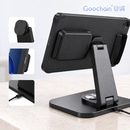
Goochain develops compact countertop tablet POS mounting configurations for retail and café checkout areas. The tablet mount and card reader holder are reviewed against the available counter space, device models and permitted fixing method. Component scope, installed dimensions and cable exits are defined for the quoted configuration. Tablets, payment readers and POS software are customer-supplied unless separately agreed.
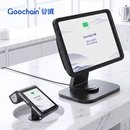
A device-specific mounting solution for secure, accessible positioning of payment terminals and card readers on counters, kiosks or integrated tablet systems.
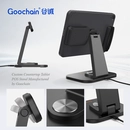
A commercial countertop stand developed around the selected tablet, enclosure, payment workflow and installation method for OEM/ODM POS programs.
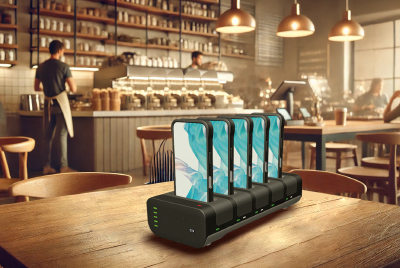
Looking for an efficient wireless charging solution for POS systems, tablets, and smartphones? Our ISO-certified Pogo Pin charging dock offers fast, clutter-free charging for your retail business, with custom solutions tailored to your needs.
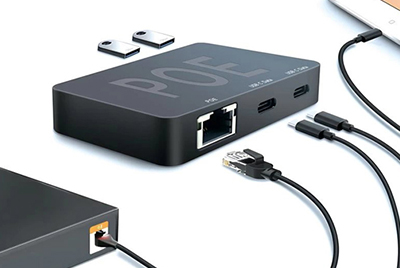
Our innovative USB Type-C PoE HUB is a multifunctional device offering Power over Ethernet (PoE), efficient data transfer, and multi-device compatibility. Designed for retail, healthcare, and smart office applications, it features dual USB-C ports for data access, iPad Host functionality, and PD fast charging. As a manufacturer, we provide high-quality, customizable connectivity solutions.
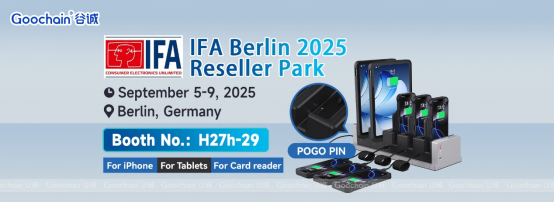
We’re excited to announce that Dongguan Goochain Technology Co., Ltd. will be exhibiting at IFA 2025 in Berlin this September.
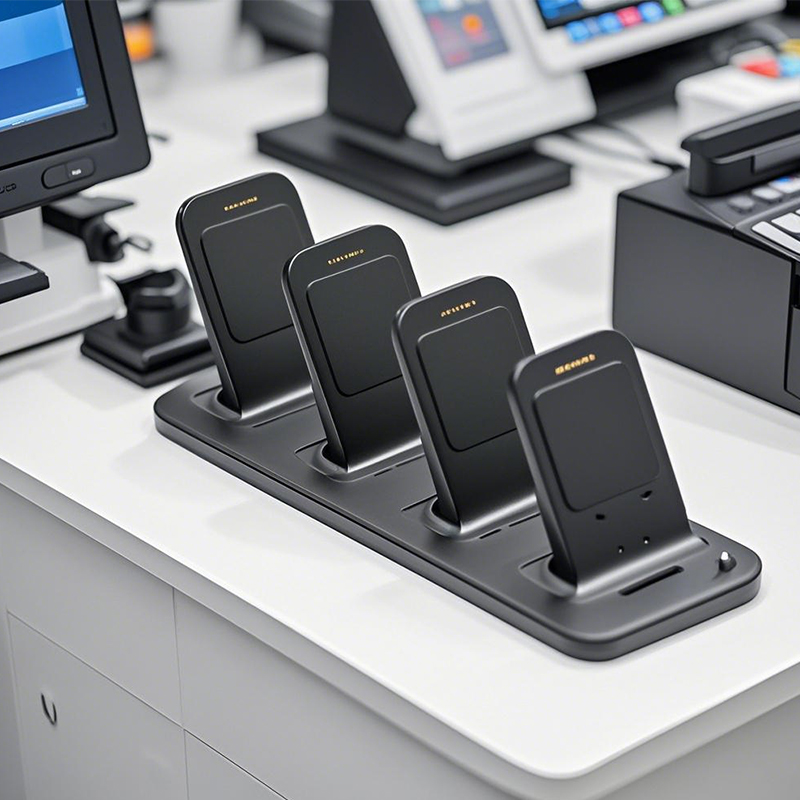
For modern Point-of-Sale (POS) accessories, POGO PINs are a must-have. They create stable electrical connections, perfect for busy retail settings where devices are constantly in use. Their small size allows for sleek, compact POS designs, like in handheld terminals or card readers. POGO PINs also enable fast data transfer and charging, key for quick transactions. Plus, they’re durable and resistant to corrosion, meaning less maintenance and longer use. In short, POGO PINs make POS systems work better, faster, and more reliably.
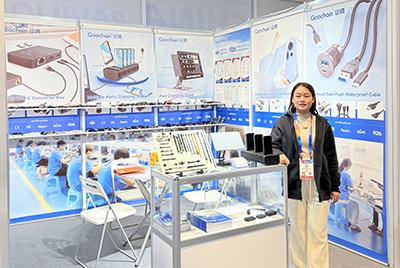
Goochain showcased its latest innovations at CES 2025, including Magnetic Pogo Pin Charging Stations, Custom Cable Assemblies, and USB Type-C PD Splitter Boxes. The event provided valuable opportunities to connect with global clients, gain industry insights, and highlight our expertise as a manufacturer, supplier, and factory for POS hardware and charging solutions in retail and healthcare.
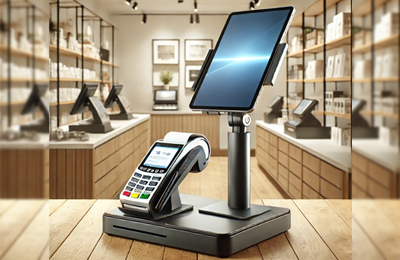
How to Choose the Right POS Stand for Your Business A high-quality POS stand improves payment efficiency, security, and customer interaction in retail and hospitality settings. Whether you need an adjustable POS terminal stand, a dual-payment mount for tablets and card readers, or a wall-mounted POS holder, selecting the right stand enhances workflow and space management. At Goochain, we manufacture durable and customizable POS stands for various industries. Explore our top products: POS Terminal Stand PS-1020 – Secure and adjustable for smooth transactions. 2-in-1 POS Stand – Supports both tablets and card readers. Universal Secure POS Stand – Stable, ergonomic, and theft-resistant. Wall-Mounted POS Tablet Holder – Space-saving and ideal for self-service kiosks. As a POS stand manufacturer and supplier, we offer OEM & ODM customization and factory-direct pricing. Contact us today to find the best POS mount for your business!

Goochain will be exhibiting at CES 2025, booth number LVCC SOUTH HALL-3-41265, showcasing the latest POS terminal mounts, tablet charging stations, Pogo Pin charging docks, and more. Visit us to learn more.
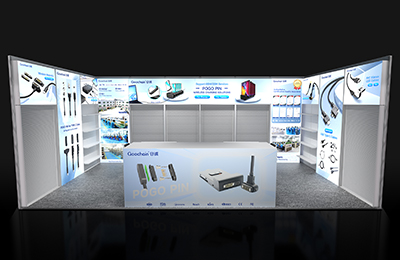
Goochain will exhibit at Global Sources Electronics Show 2025 from April 11-14 at Booth 10N05, Hong Kong, showcasing our latest Retail & POS charging solutions. Our featured products include tablet charging docks, magnetic pogo pin connectors, custom POS cables, wiring harnesses, and USB FPC ribbon cables. As a leading manufacturer of POS accessories and retail connectivity solutions, we provide customized and high-performance products to enhance checkout efficiency and device longevity. Visit us to explore our innovations and discuss OEM/ODM partnerships.
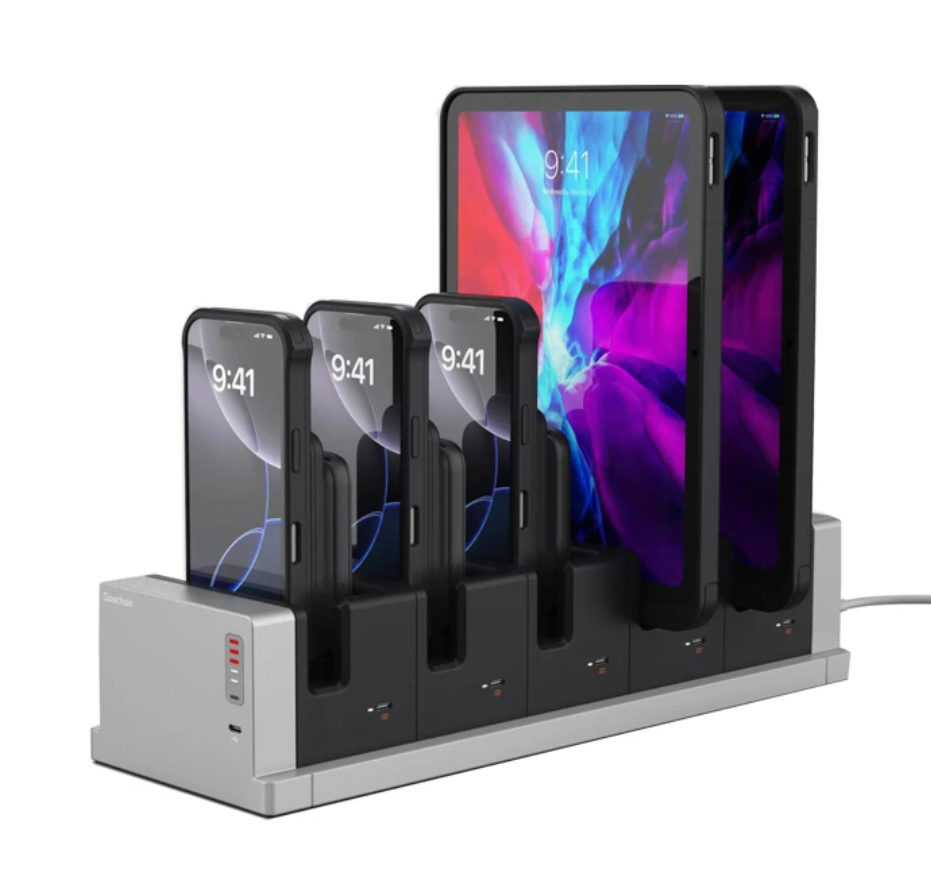
Goochain is a factory manufacturer specializing in tablet charging docks and multi-tablet charging stations for POS, retail, and healthcare industries. Certified ISO 9001 & ISO 13485 supplier providing OEM & ODM solutions.

Goochain to Exhibit at CES 2026 in Las Vegas
A back-to-back dual tablet stand places an operator tablet and a customer-facing tablet on opposite sides of one column. It can be useful when both users need a screen throughout the transaction. The layout works best when each device has a defined role and its own usable viewing position.
Start with the work performed at the counter. A stand positions the hardware; the tablets, software and connectivity determine what each screen displays. Separating these decisions helps avoid choosing a mount that looks suitable in a product photo but obstructs the daily workflow.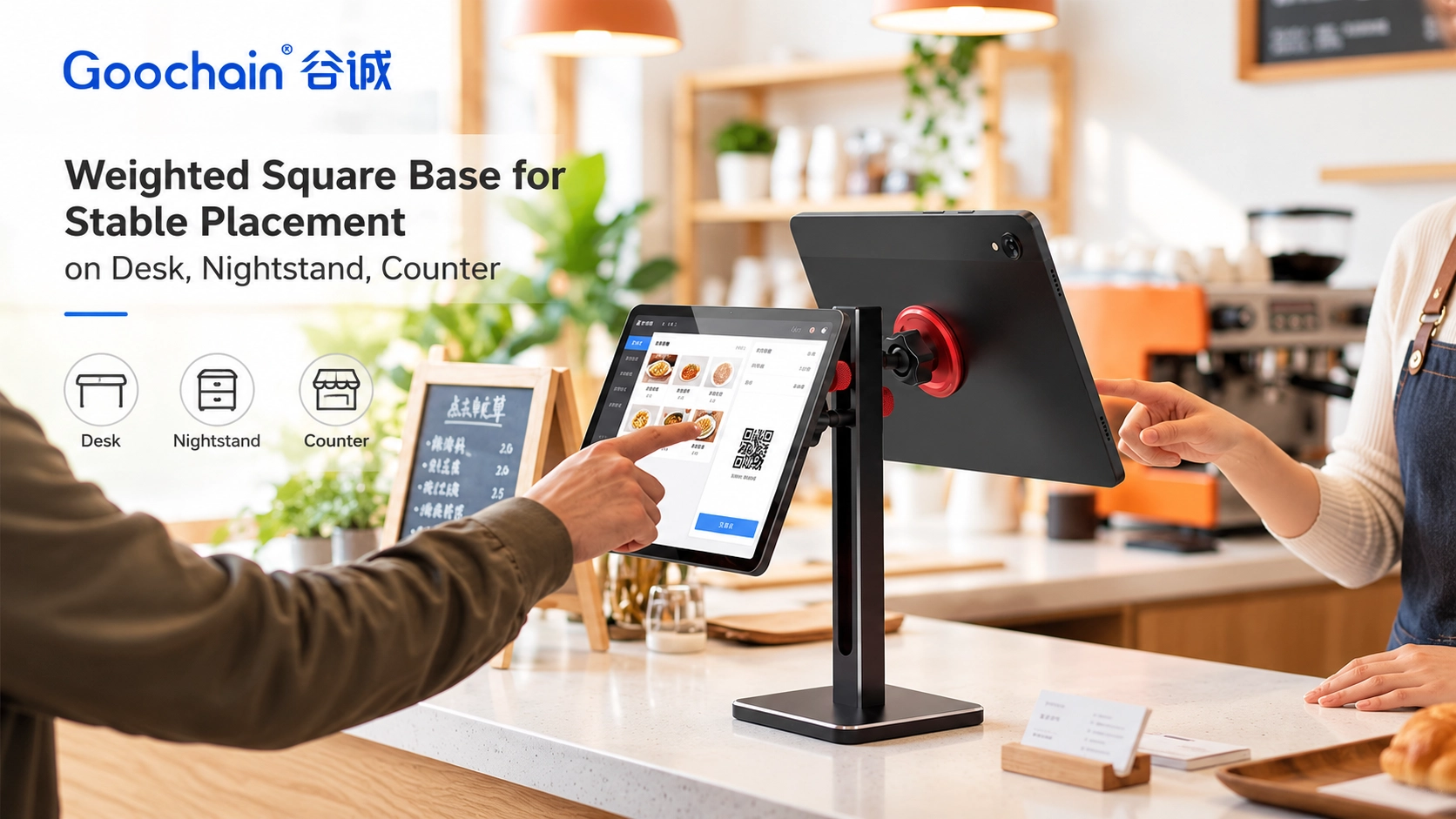
An operator tablet may handle order entry, product lookup or account access. A customer-facing tablet may show order details, a menu or another application-defined screen. These roles can require different screen sizes, orientations and heights.
Also decide whether the customer needs to touch the screen or only read it. A display that is easy to see across a counter may still be too far away for comfortable interaction. If card payment is required, identify the separate payment device and its mounting needs rather than assuming a tablet holder provides that function.
| Screen role | Layout priority | Question to resolve |
|---|---|---|
| Operator tablet | Reach to common controls and visibility while working | Can staff enter information without reaching around the second tablet? |
| Customer tablet | Readable content and access to any required on-screen controls | Can the customer use it from the intended standing or seated position? |
| Separate phone or payment device | An appropriate holder and accessible buttons, cameras or card interfaces | Does the specified accessory fit the actual device and remain clear of both screens? |
Do not assume both screens should sit at the same height. The operator may work close to the stand while the customer stands farther away. A sliding-column design lets each mounting position be set around that difference.
Evaluate the layout with the actual devices, including their cases. Set the screen orientation first, then review height and viewing angle. Check the arrangement from both sides of the counter. Allow enough clearance for tablet corners to move without contacting the column, the other screen or nearby equipment.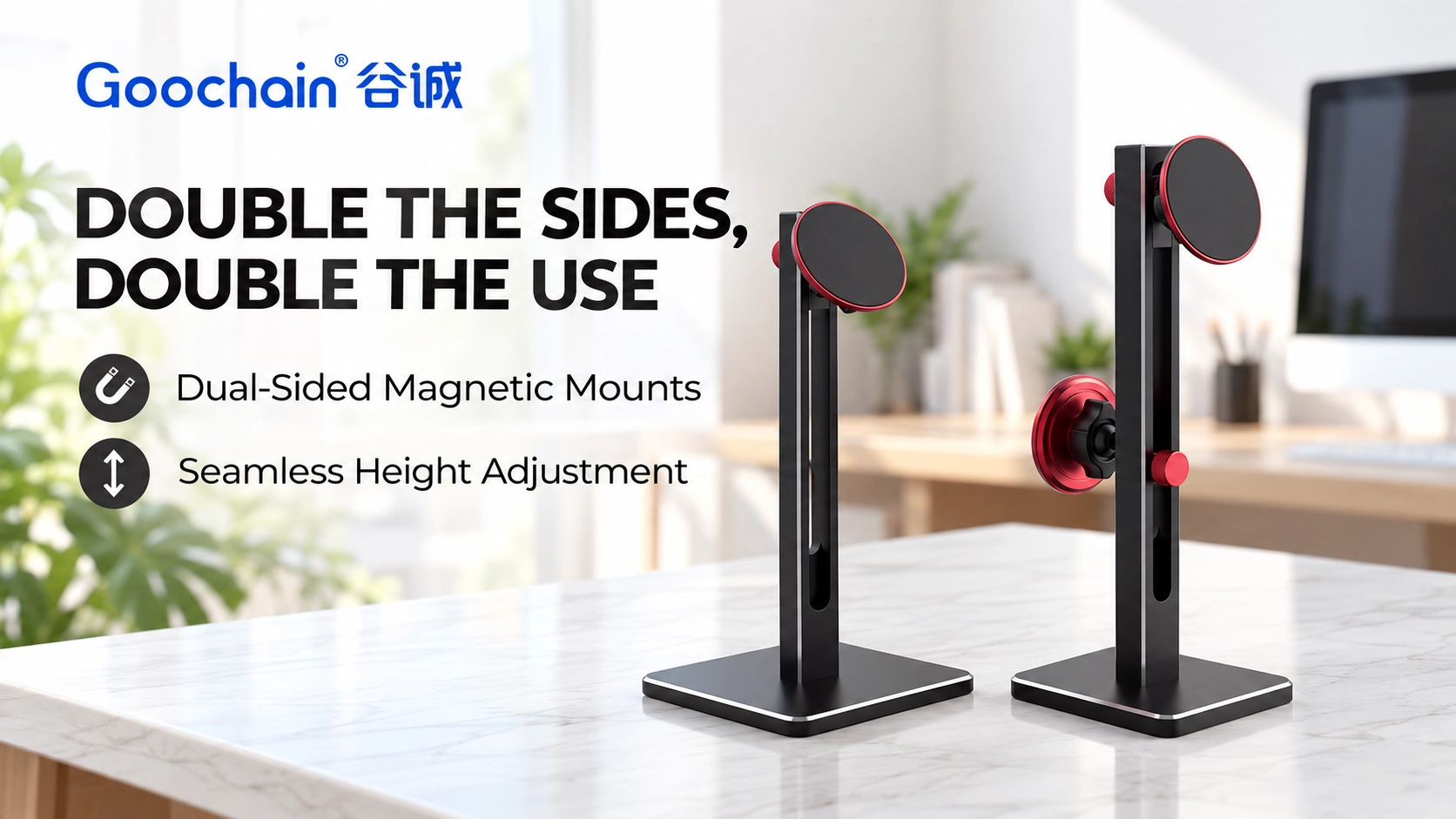
Mark the positions of the receipt printer, payment reader, scanner and order handover area around the proposed stand. Two screens sharing a base can reduce the number of separate supports, but the tablets still need clearance from these everyday tasks. Check that a customer using the front screen does not block the operator’s access to the reader or printer.
Review the layout during a representative transaction, including product scanning, screen interaction and receipt handover where applicable. Keep the route used to remove a tablet clear of other equipment. If either device is regularly taken off the stand, also check the remaining device and base in that arrangement.
A magnetic holder allows the tablet to be detached without opening a complete enclosure. Check that users have enough space to grip the device and that removal does not pull the base across the counter. Attachment rings and cases need to be part of the sample evaluation.
If the tablet uses a power cable, leave sufficient movement at the connector and check the route in both screen orientations. Avoid a cable path that crosses the other screen or becomes trapped behind the column. For broader mechanism choices, see our guide to fixed, swivel, tilt and flip POS stand movement.
A single tablet that turns toward the customer can suit a workflow where users take turns. Two dedicated tablets can suit a workflow where operator and customer information need to remain available at the same time. The appropriate choice depends on software support, privacy, available counter space and how often each person interacts with the device.
For projects using two physical tablets, the Goochain height-adjustable dual magnetic tablet stand offers back-to-back mounting, with single- and dual-head options in the same product family. Select the configuration around the devices and transaction flow.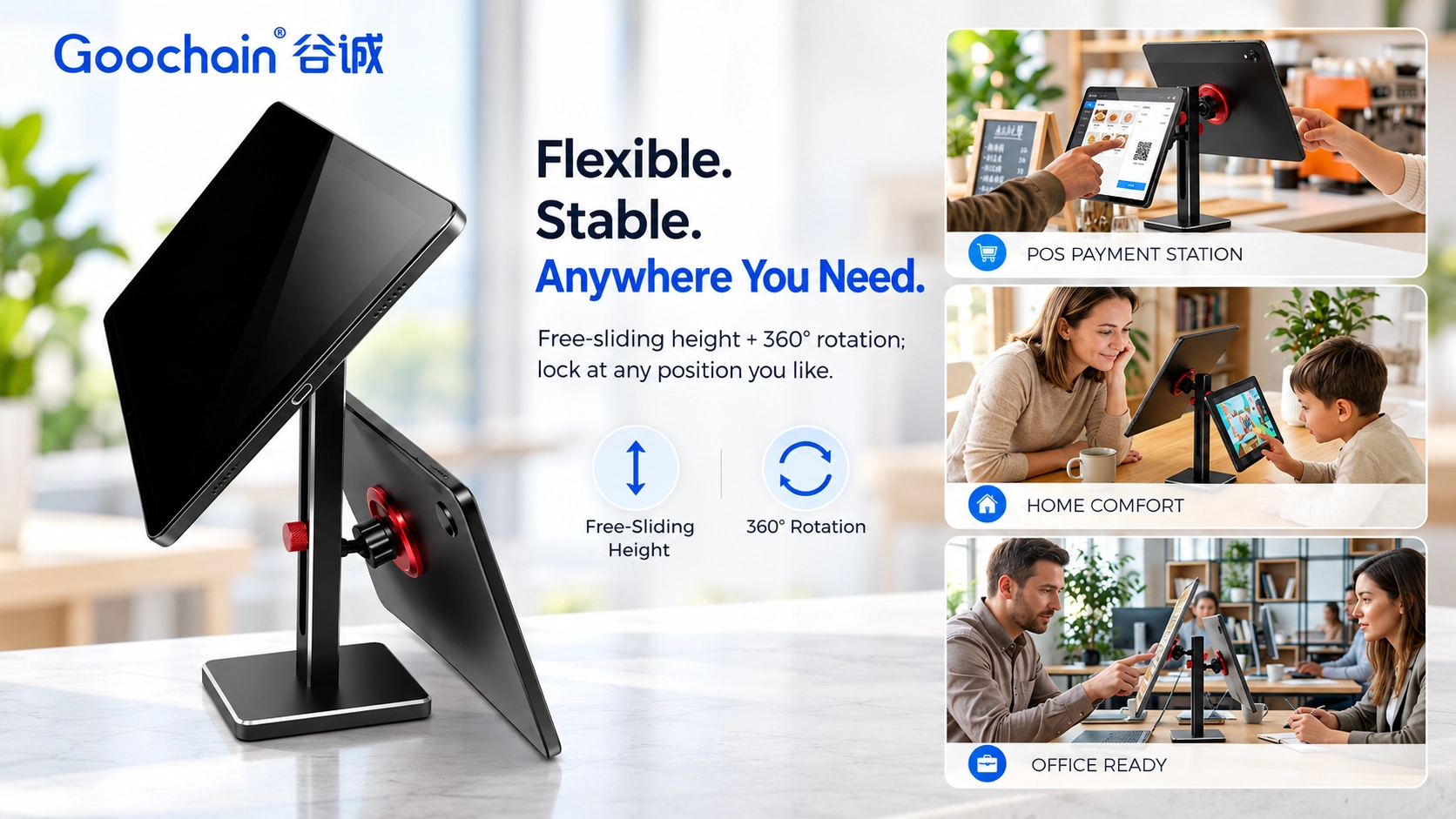
Goochain develops POS accessories, tablet stands, charging hardware and custom cable assemblies in Dongguan, China. Through our OEM and ODM manufacturing services, we can review the mounting arrangement, base footprint, device attachment, finish, logo and packaging around the proposed application.
A counter photo, the intended screen roles and the device models provide a useful starting point; finished drawings are not required for an initial discussion. The next step is to agree a sample layout and evaluate it with representative devices before approving production details.
No. It is mounting hardware for two devices. The tablets, applications, connectivity and payment equipment determine the POS functions and displayed content.
Not necessarily. Set each screen around its user, reading distance, touch access and clearance from the other device.
Confirm that the remaining device stays stable at the intended height and angle, including normal touch actions and any connected cable forces.